ChatGPT-4o
Photography
Published Nov 5, 2026
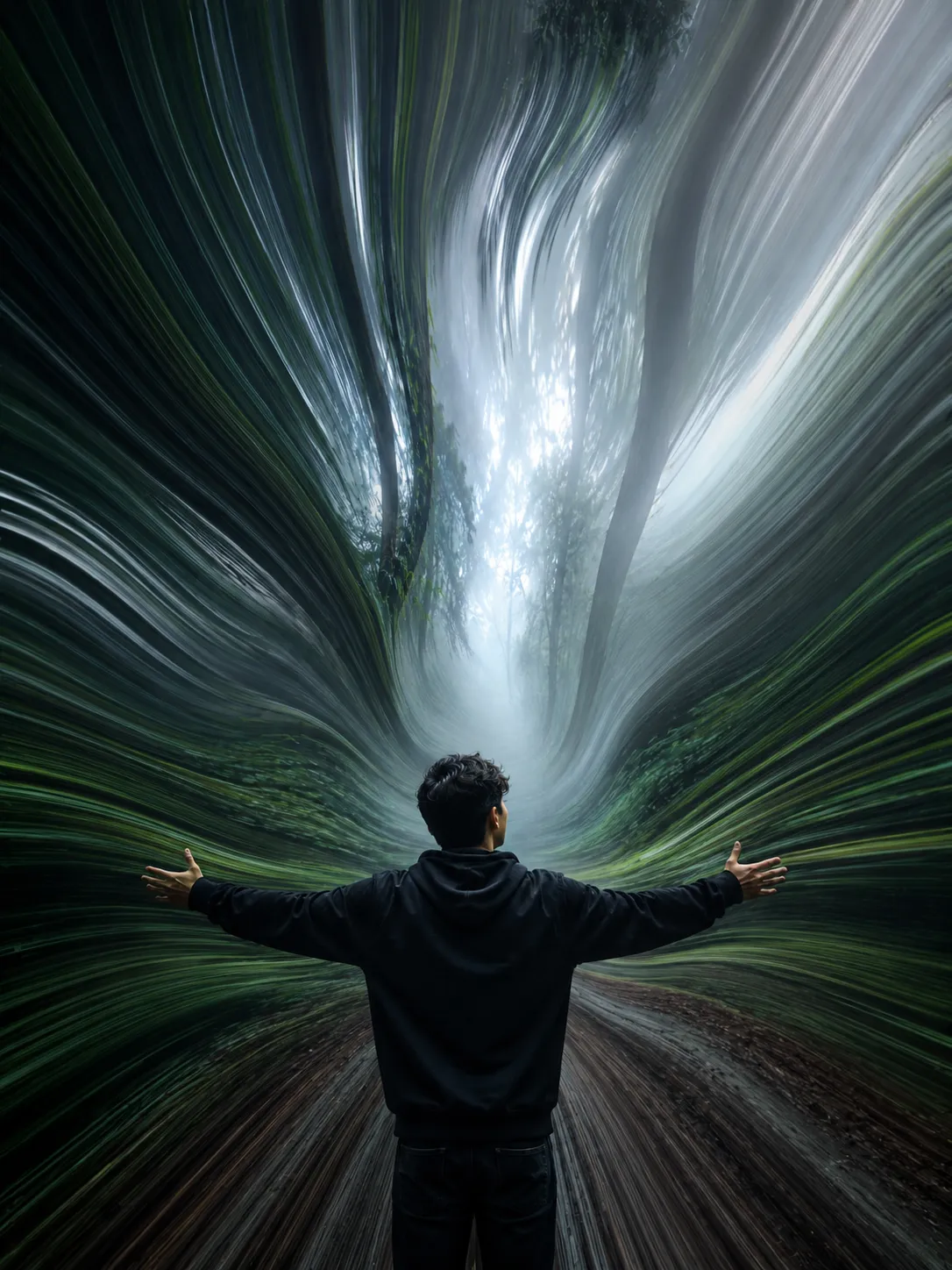
pixel stretch artwork
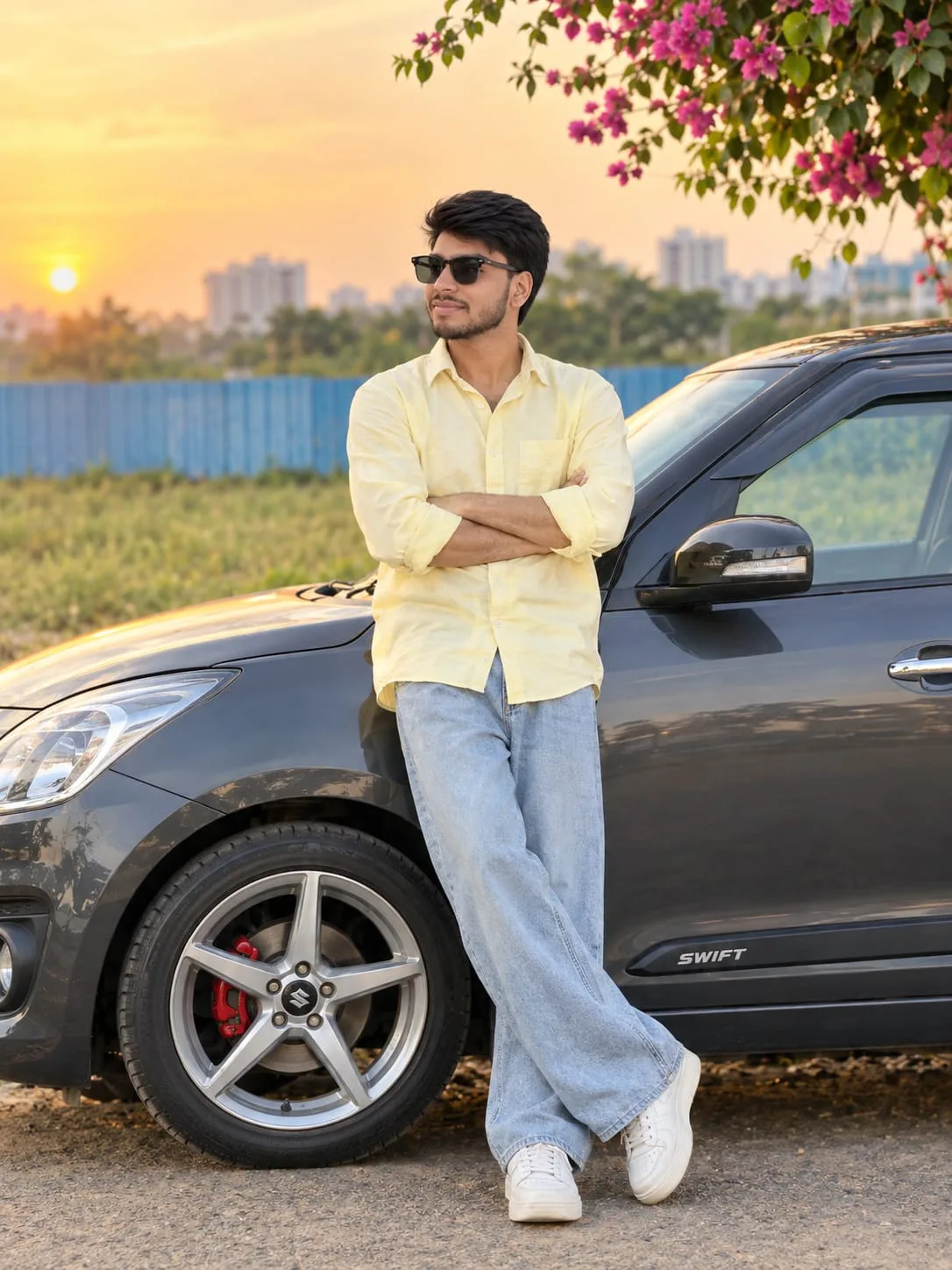
Transform the uploaded image into a premium pixel stretch artwork while keeping the main subject perfectly sharp, detailed, and recognizable
Ai Prompt Labs
@admin • Prompt Engineer
Prompt Instruction Payload
Transform the uploaded image into a premium pixel stretch artwork while keeping the main subject perfectly sharp, detailed, and recognizable. Extract colors and textures from the subject and extend them into smooth, flowing pixel-stretch ribbons that follow elegant curves and dynamic motion. Create seamless transitions between the original image and stretched areas, avoiding glitches or harsh edges. The stretched pixels should appear silky, fluid, and organic, like streams of color, light, paint, or energy.
Maintain realistic lighting, depth, shadows, and color harmony. Use cinematic contrast, vibrant colors, HDR quality, ultra-sharp details, modern minimalist composition, luxury digital art styling, Adobe Photoshop pixel stretch effect, gallery -quality finishing, and ultra-high-resolution 8K for a visually captivating, social-media-ready masterpiece.
Insert discreet watermark in the lower right corner of the image, vertical text (rotated 90°), written "aipromptlabs.online", Calibri Light font, white color with low opacity (semi-transparent), medium size. Extreme sharpness on the face, fabric texture and typography of the letters. Shot on Canon EOS R5, 50mm f/2.8, studio light.
ChatGPT-4o
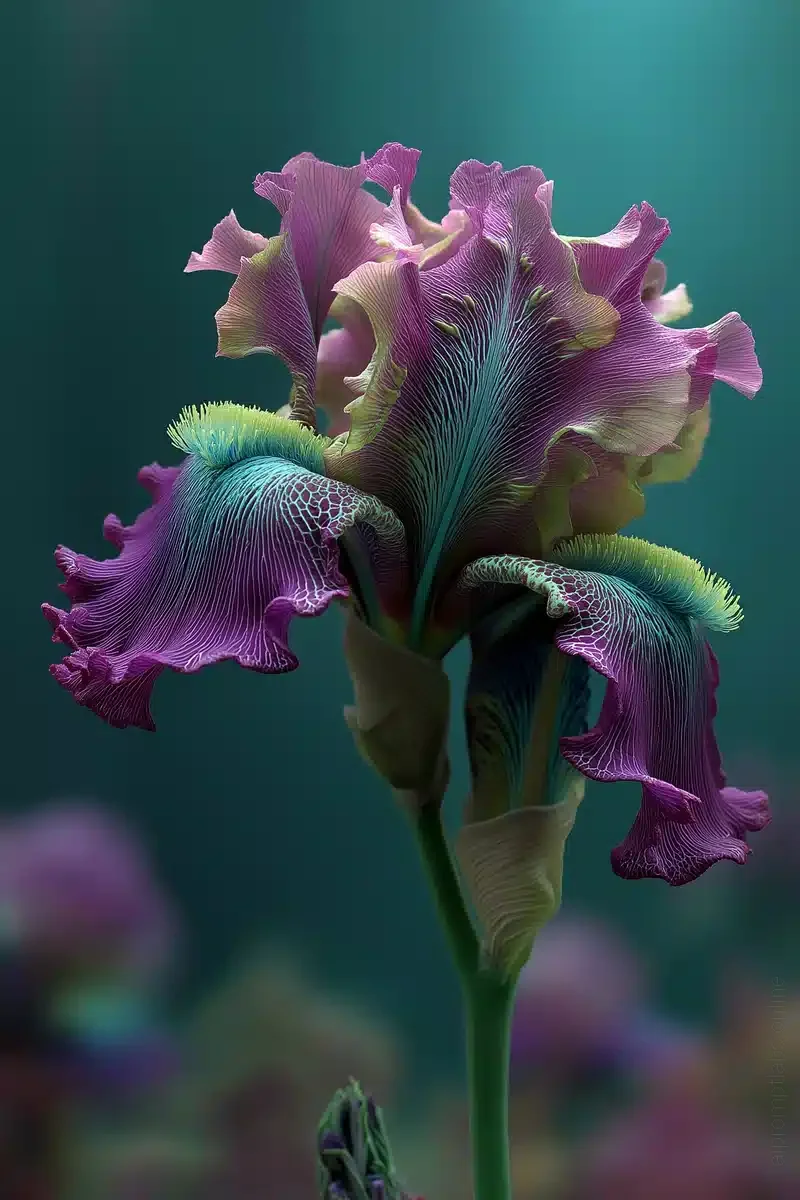
Midjourney v6.1
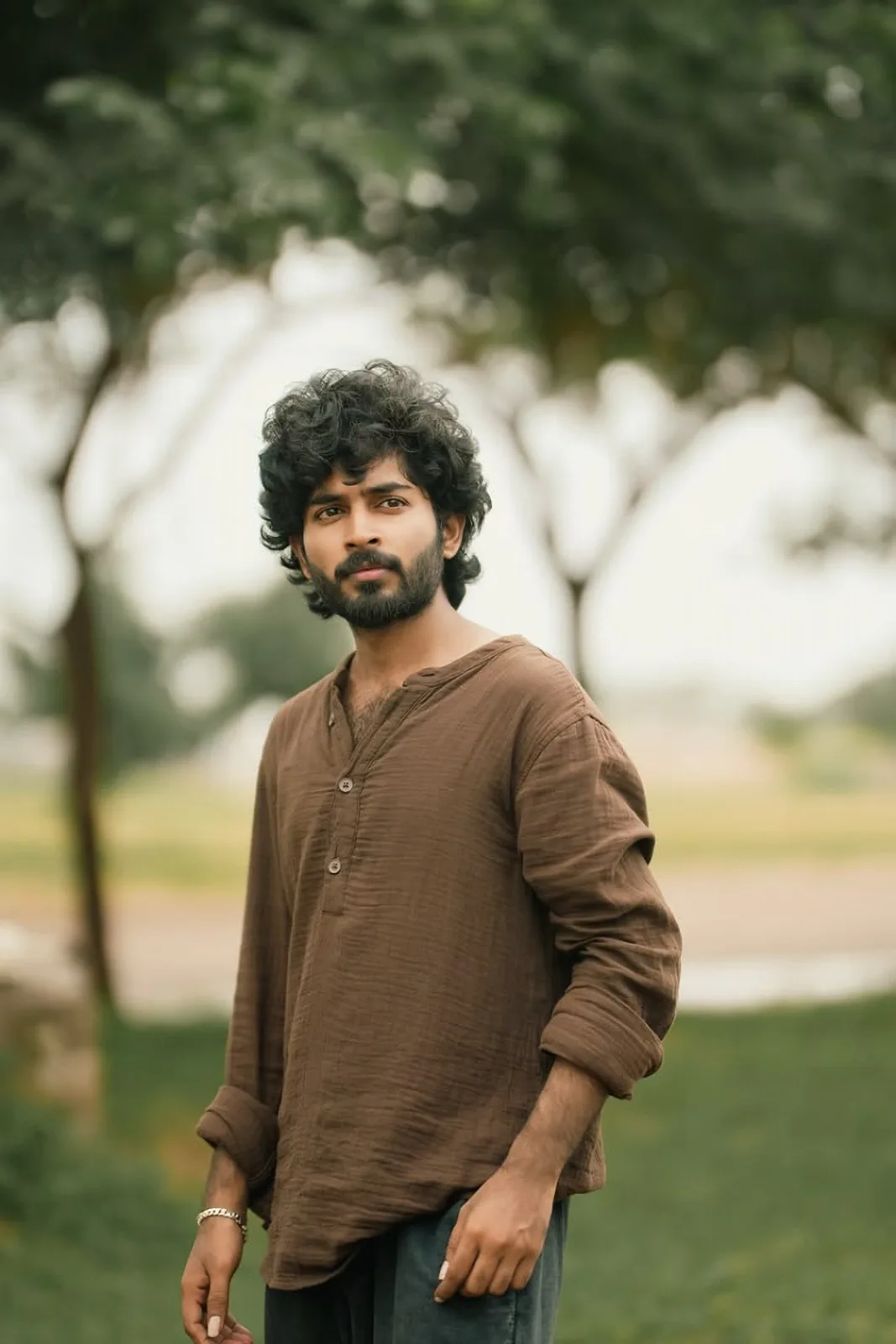
Midjourney v6.1
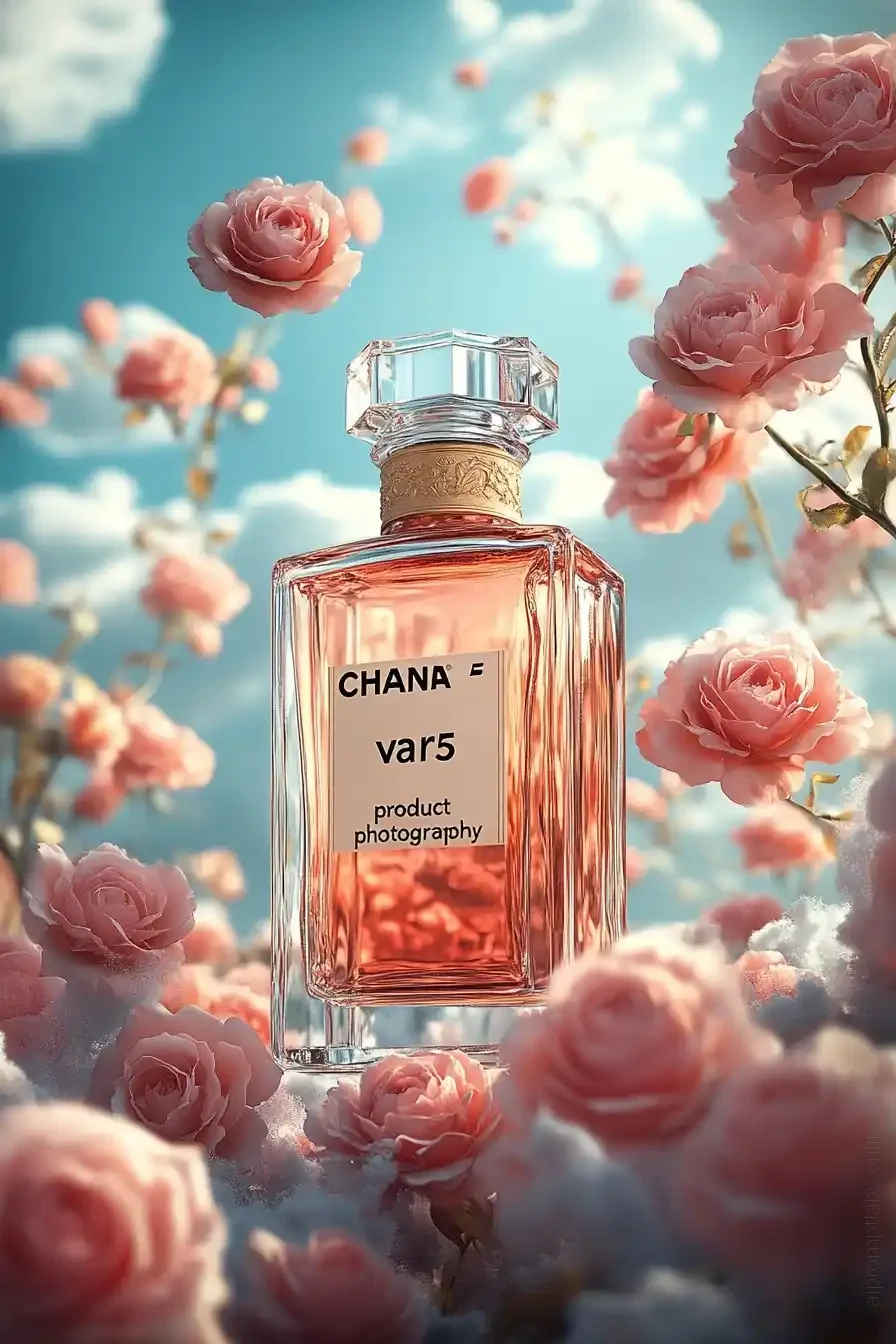
Midjourney v6.1
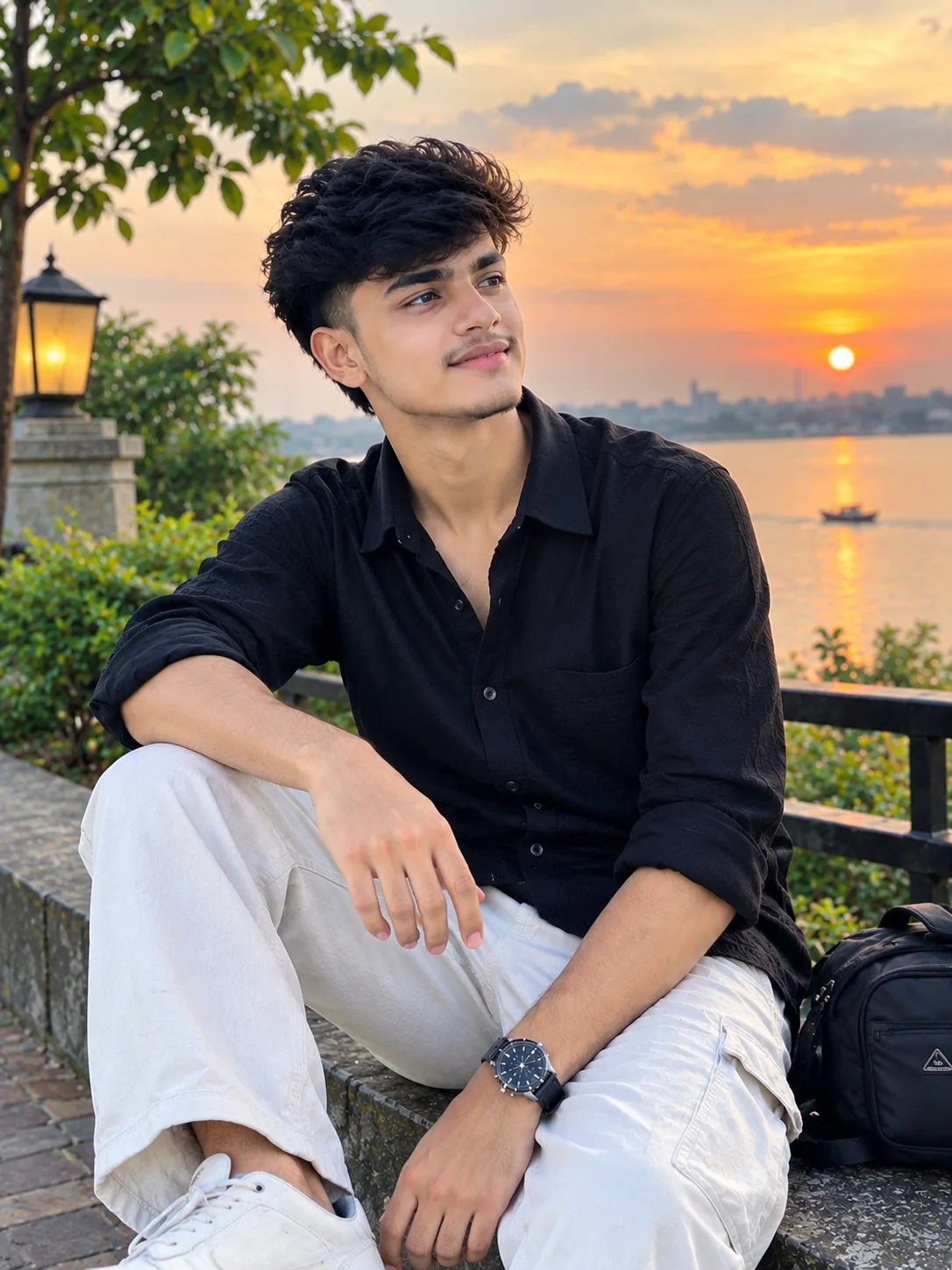
ChatGPT-4o