Midjourney v6.1
Portraits
Published Jan 24, 2025
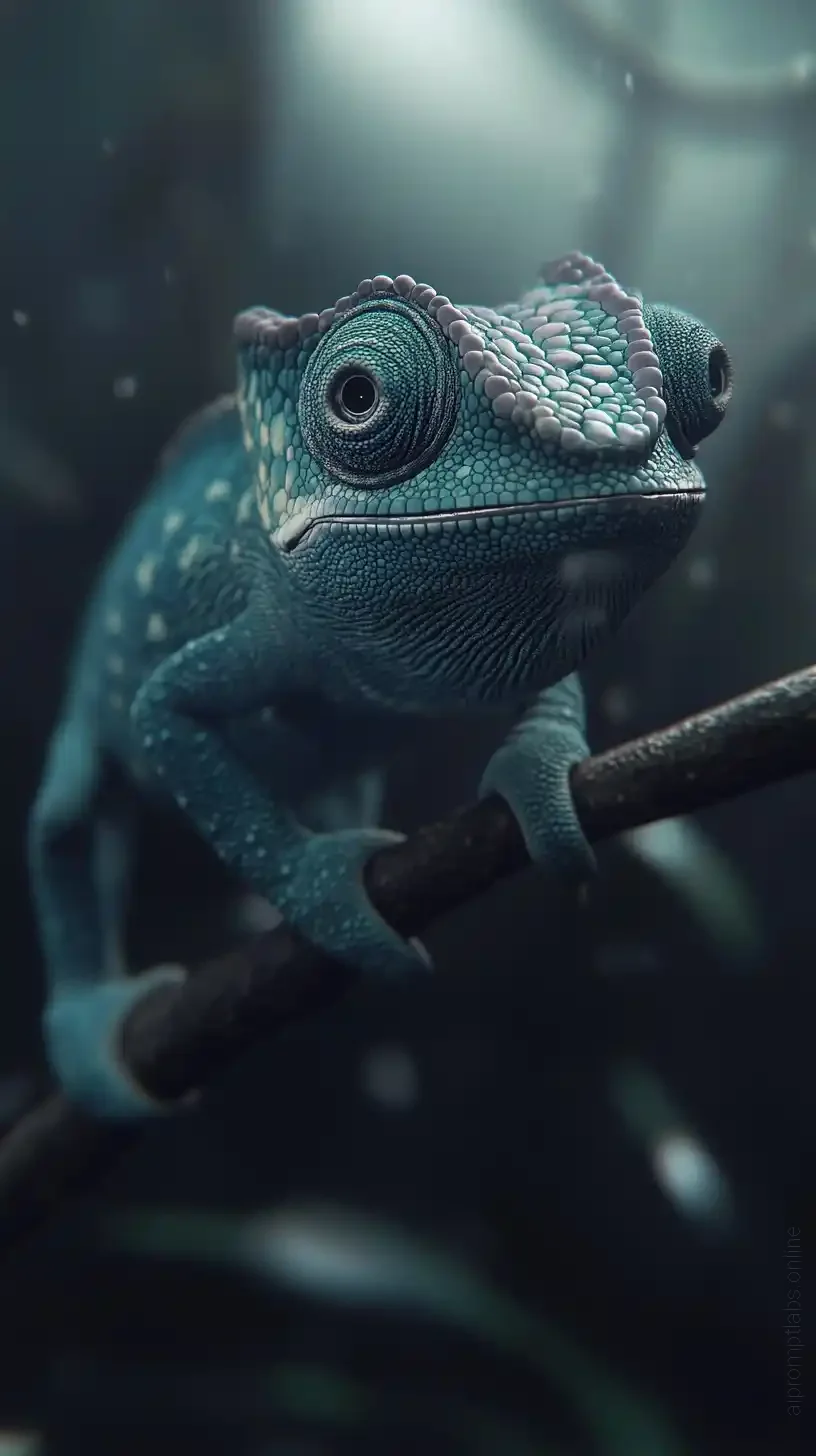
Hyper-Realistic Chameleon Portrait
Create a hyper-realistic 4K image of a dark cyan chameleon with subtle colorful accents, fully visible in a wide, general shot. Set the scene against a simple, dark background with no additional elements. Use soft lighting to highlight the chameleon’s textures and the smooth colors of the Pantone guide. The image should feel cinematic, hyper-realistic,…
Ai Prompt Labs
@admin • Prompt Engineer
Prompt Instruction Payload
Create a hyper-realistic 4K image of a dark cyan chameleon with subtle colorful accents, fully visible in a wide, general shot. Set the scene against a simple, dark background with no additional elements. Use soft lighting to highlight the chameleon’s textures and the smooth colors of the Pantone guide. The image should feel cinematic, hyper-realistic, and elegant. It is smiling, really happy celebrating something, ancing --ar 9:16 --v 6.1
Insert discreet watermark in the lower right corner of the image, vertical text (rotated 90°), written "aipromptlabs.online", Calibri Light font, white color with low opacity (semi-transparent), medium size. Extreme sharpness on the face, fabric texture and typography of the letters. Shot on Canon EOS R5, 50mm f/2.8, studio light.
Usage Instructions & Parameters
Run prompt with Midjourney v6 or v8. Adjust aspect ratio (--ar) and stylize (--s) parameters to taste.