ChatGPT-4o
Digital Art
Published Oct 31, 2026
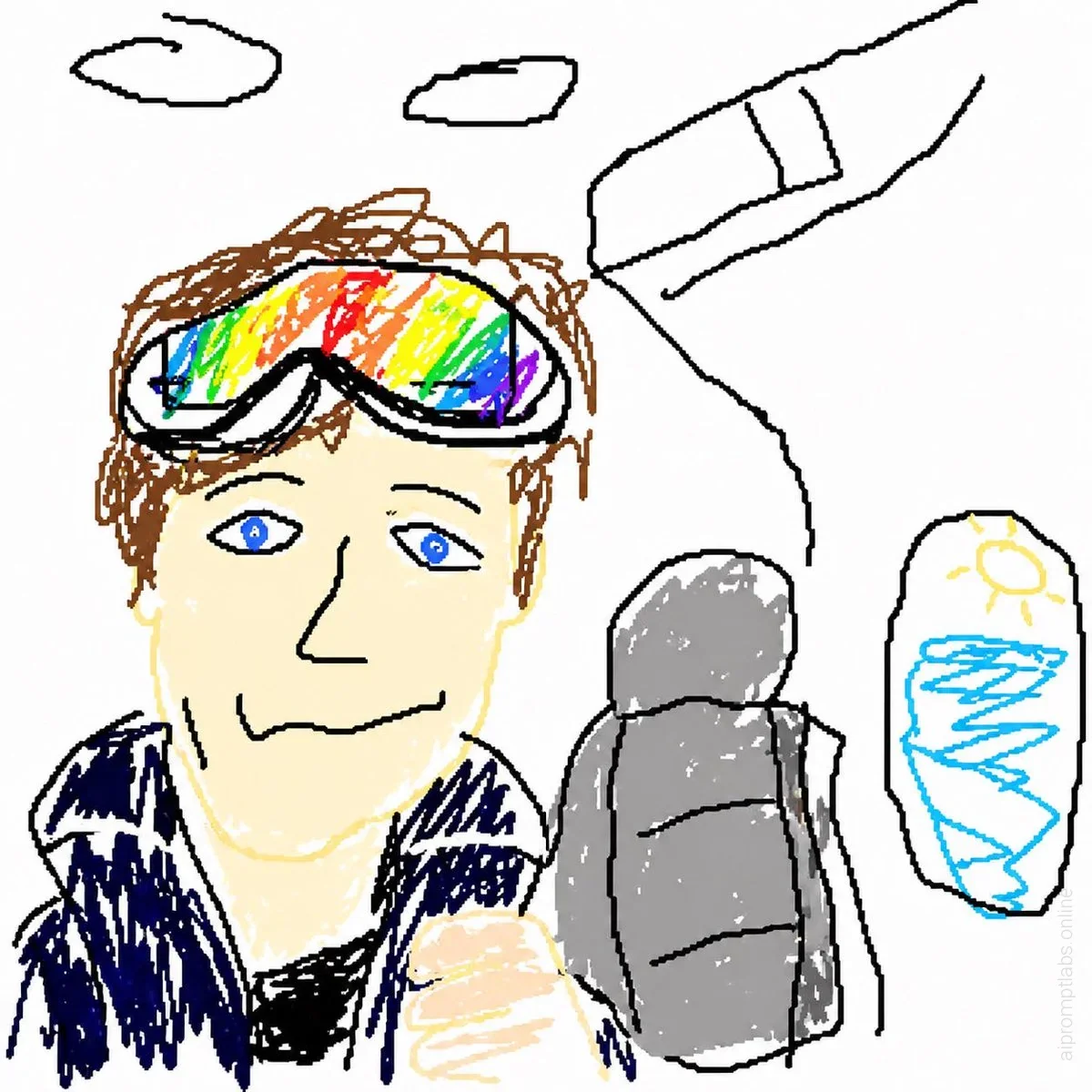
GPT Image 2 MS Paint Drawing Prompt
Turn any uploaded image into a deliberately terrible MS Paint-style drawing with clumsy lines, awkward proportions, and a funny low-quality mouse-drawn look. - YouMind
Ai Prompt Labs
@admin • Prompt Engineer
Prompt Instruction Payload
Redraw the attached image in the most clumsy, scribbly, and utterly pathetic way possible. Use a white background, and make it look like it was drawn in MS Paint with a mouse. It should be vaguely similar but also not really, kind of matching but also off in a confusing, awkward way, with that low-quality pixel-by-pixel feel that really emphasizes how ridiculously bad it is. Actually, you know what, whatever, just draw it however you want.
Insert discreet watermark in the lower right corner of the image, vertical text (rotated 90°), written "aipromptlabs.online", Calibri Light font, white color with low opacity (semi-transparent), medium size. Extreme sharpness on the face, fabric texture and typography of the letters. Shot on Canon EOS R5, 50mm f/2.8, studio light.
Usage Instructions & Parameters
Run prompt with modern generative AI model. Adjust details and styling to taste.