ChatGPT-4o
Cinematic
Published Oct 31, 2026
Dungeon Master Blueprint Generator
A comprehensive prompt for generating Japanese dungeon blueprints based on a reference character image, styled as a professional RPG asset. - YouMind
Ai Prompt Labs
@admin • Prompt Engineer
Prompt Instruction Payload
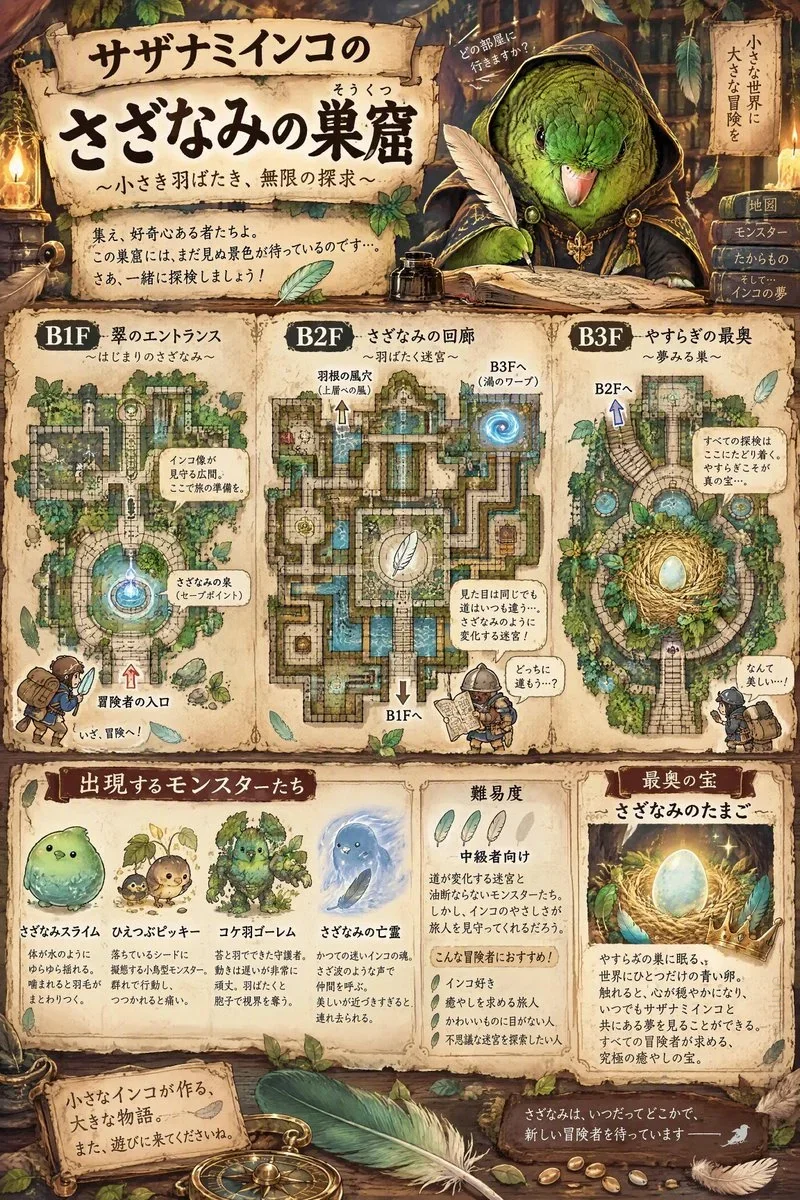
A masterpiece. Top quality. High-quality dungeon blueprints.Format: Arrange the title, dungeon floor plan, and summary in that order from top to bottom. Text must be written in Japanese. Prioritize readability and avoid making the font size too small.
Character Name: "[名前]".
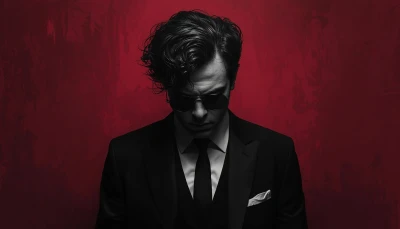
Character: Depict the character’s appearance based on the reference image. Change the character’s attire to something befitting a Dungeon Master, while matching the atmosphere of the reference image. Ensure the depiction is anatomically accurate.Dungeon Name: Choose a dungeon name that the character would likely give it, in keeping with the atmosphere of the reference image.Title: “[Character Name]’s [Dungeon Name].”Background: The background should match the atmosphere of the reference image.Dungeon Floor Plan: Determine the dungeon’s structure based on the reference image and the character’s atmosphere and characteristics. If there are two or more floors, draw a floor plan for each level, and be sure to include means of moving between levels, such as stairs or teleportation devices. Scatter sticker-style mini-illustrations around the floor plan, depicting the dungeon’s highlights and the types of adventurers who might come to explore it.Summary: Describe examples of monsters that appear, the dungeon’s difficulty level, and the treasure. For monster examples, include mini-illustrations along with their names and brief characteristics. Create original monsters whenever possible. Describe the most valuable treasure. Ensure the treasure is something the character would find valuable.
Insert discreet watermark in the lower right corner of the image, vertical text (rotated 90°), written "aipromptlabs.online", Calibri Light font, white color with low opacity (semi-transparent), medium size. Extreme sharpness on the face, fabric texture and typography of the letters. Shot on Canon EOS R5, 50mm f/2.8, studio light.
Usage Instructions & Parameters
Run prompt with modern generative AI model. Adjust details and styling to taste.