Midjourney v6.1
Digital Art
Published Oct 13, 2026
Abstract OBJKT Design
OBJKT –chaos 100 –ar 9:16 –sref https://s.mj.run/PwlvGXNUqaU https://s.mj.run/BuIVlhZKi1Q https://s.mj.run/m0LLRVuYUzc https://s.mj.run/4juat3wN6Lg https://s.mj.run/PfnsM7-H3iE https://s.mj.run/mbbd4wpcxpc https://s.mj.run/JP2sh-bZg78 –stylize 50 –profile kjrcdpt –v 8.2
Ai Prompt Labs
@admin • Prompt Engineer
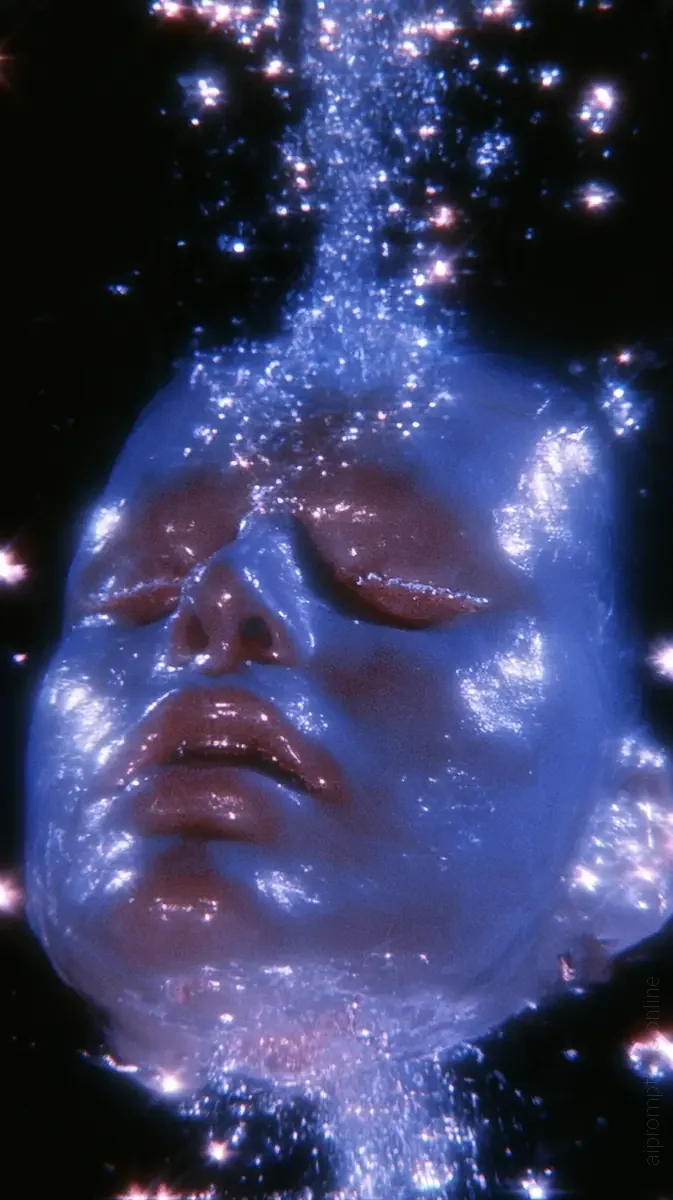
Prompt Instruction Payload
OBJKT --chaos 100 --ar 9:16 --sref https://s.mj.run/PwlvGXNUqaU https://s.mj.run/BuIVlhZKi1Q https://s.mj.run/m0LLRVuYUzc https://s.mj.run/4juat3wN6Lg https://s.mj.run/PfnsM7-H3iE https://s.mj.run/mbbd4wpcxpc https://s.mj.run/JP2sh-bZg78 --stylize 50 --profile kjrcdpt --v 8.2
Insert discreet watermark in the lower right corner of the image, vertical text (rotated 90°), written "aipromptlabs.online", Calibri Light font, white color with low opacity (semi-transparent), medium size. Extreme sharpness on the face, fabric texture and typography of the letters. Shot on Canon EOS R5, 50mm f/2.8, studio light.
Usage Instructions & Parameters
Run prompt with Midjourney v6 or v8. Adjust aspect ratio (--ar) and stylize (--s) parameters to taste.
ChatGPT-4o
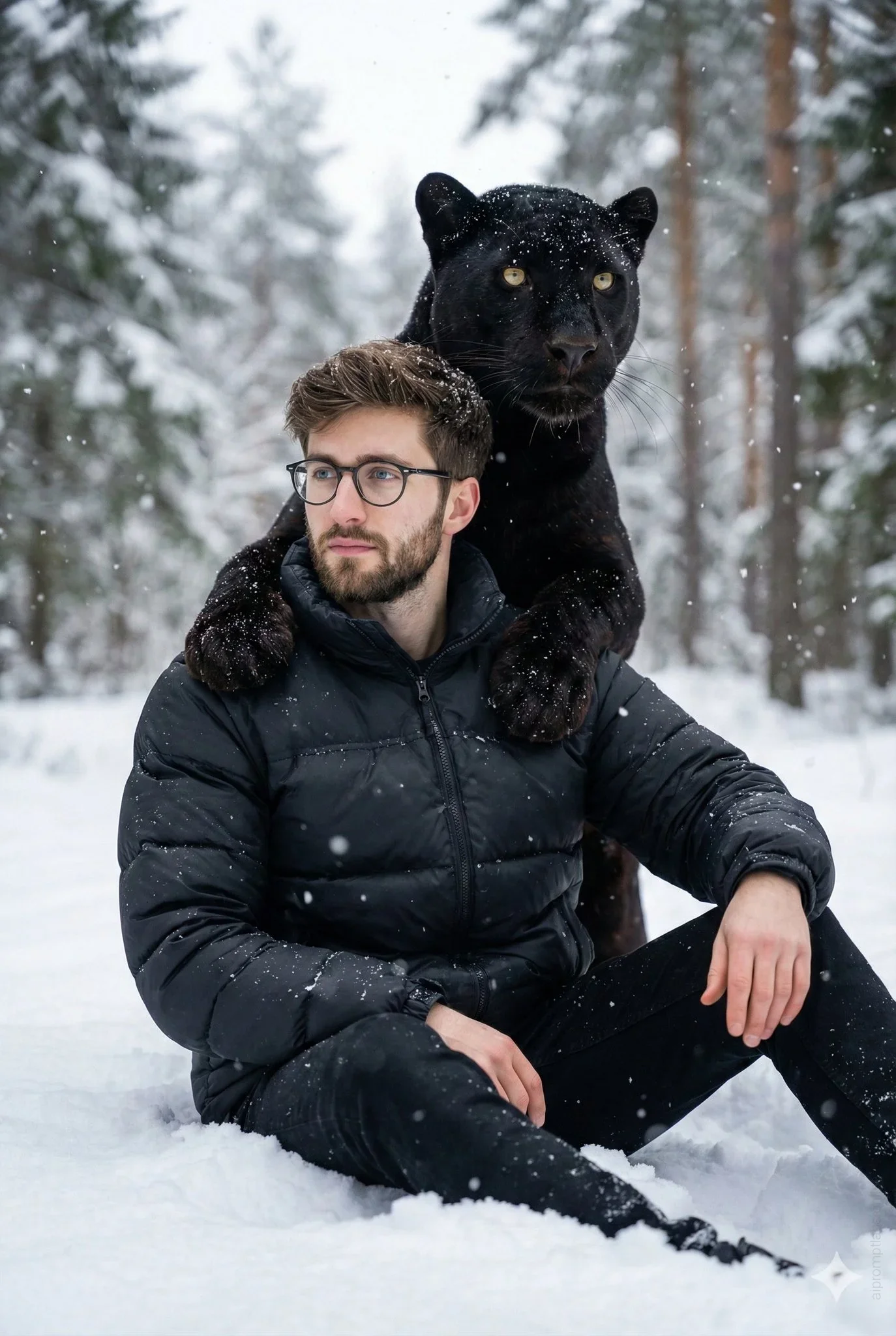
Midjourney v6.1
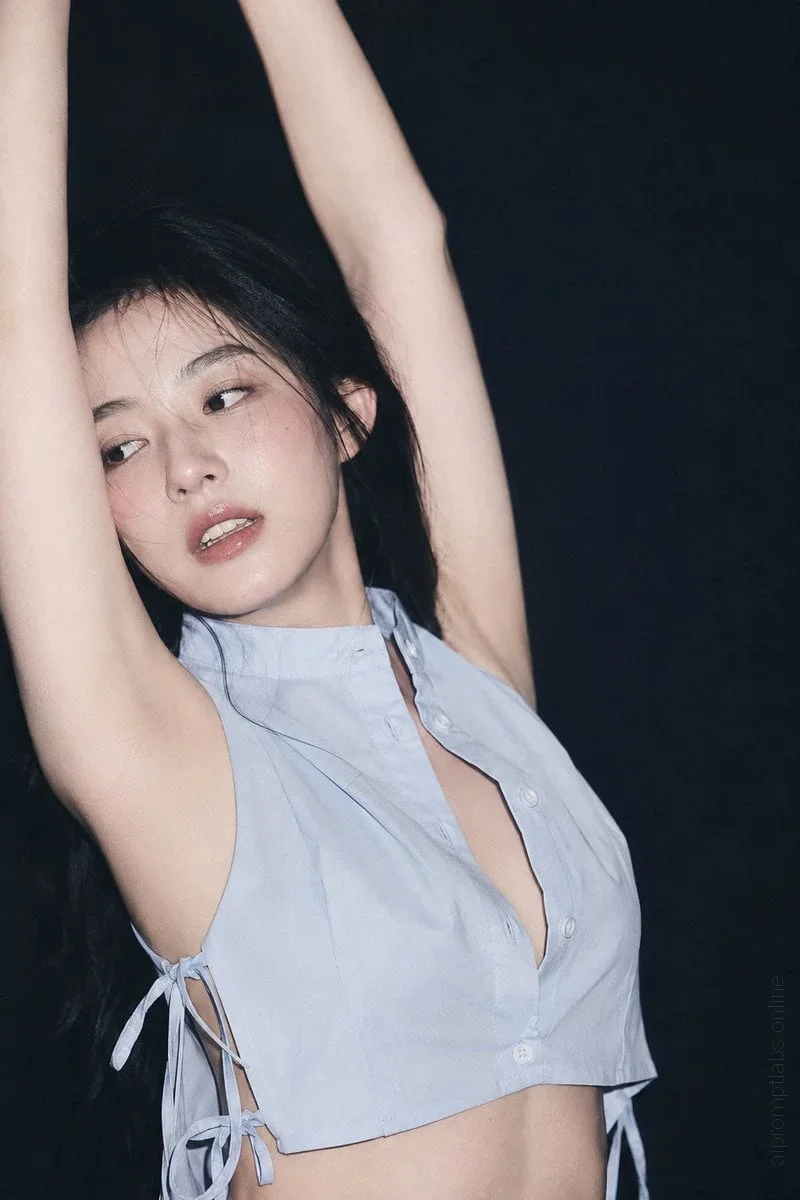
ChatGPT-4o
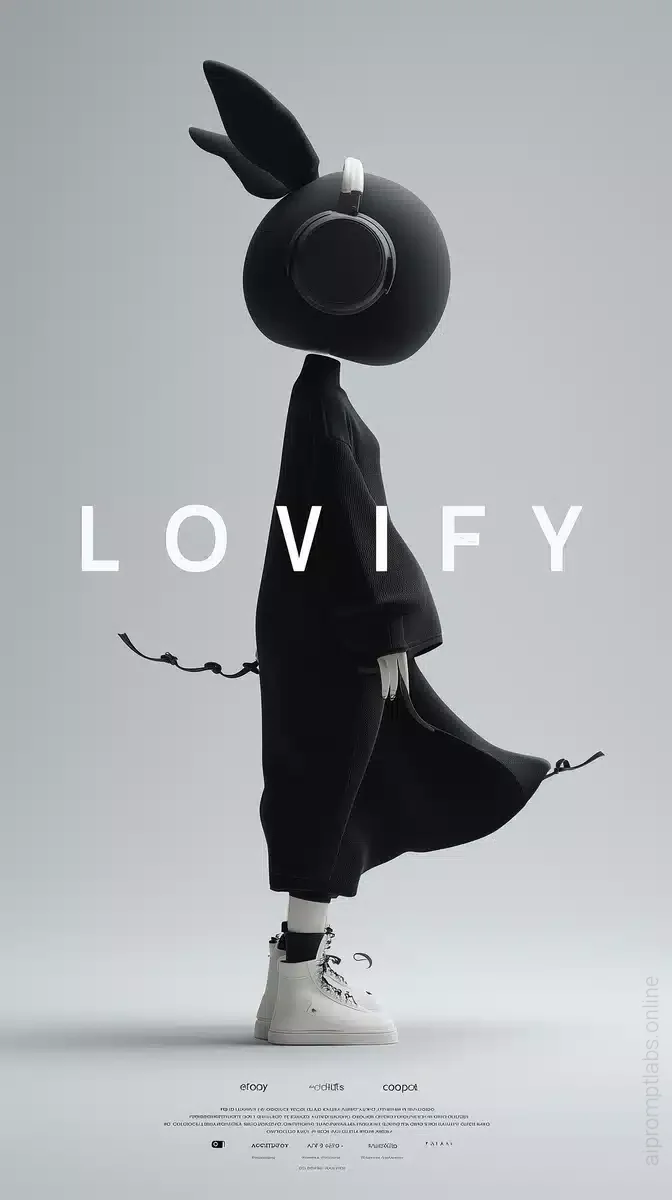
Midjourney v6.1
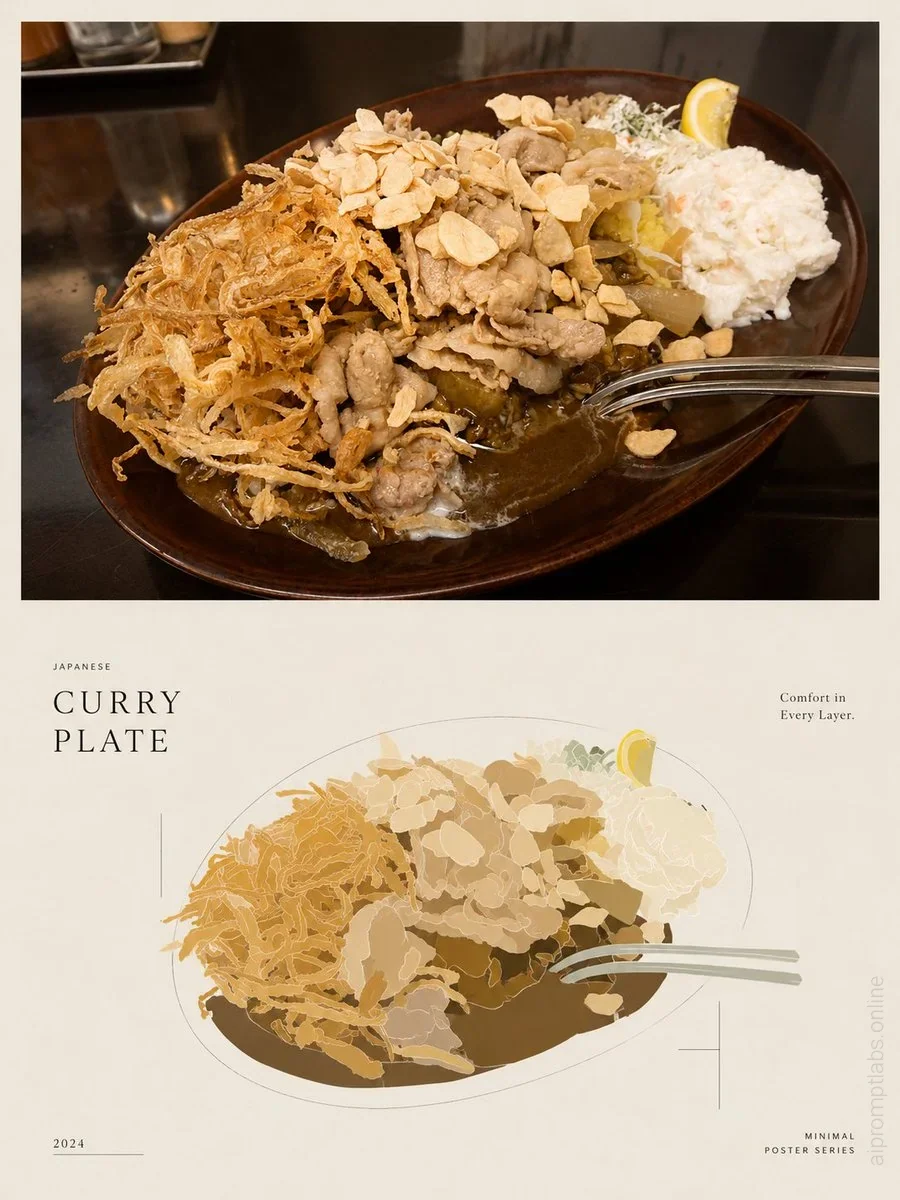
ChatGPT-4o